
By A.J. Keilty, President, KEILTY Realty Management
Creating high-quality photos for your property listing is essential in attracting potential renters. Interestingly, achieving professional-looking shots doesn't always require expensive camera gear. Your smartphone is a powerful tool capable of producing remarkable listing photos that can significantly enhance your property's appeal. Here's a detailed guide to optimizing your smartphone photography for your listing, ensuring your images stand out in the competitive real estate market.
The short version.
Before diving into the technicalities of smartphone photography, it's crucial to present your property in its best light. Ensure the space is tidy, clean, and decluttered. A well-prepared property not only photographs better but also attracts more interest from potential renters.
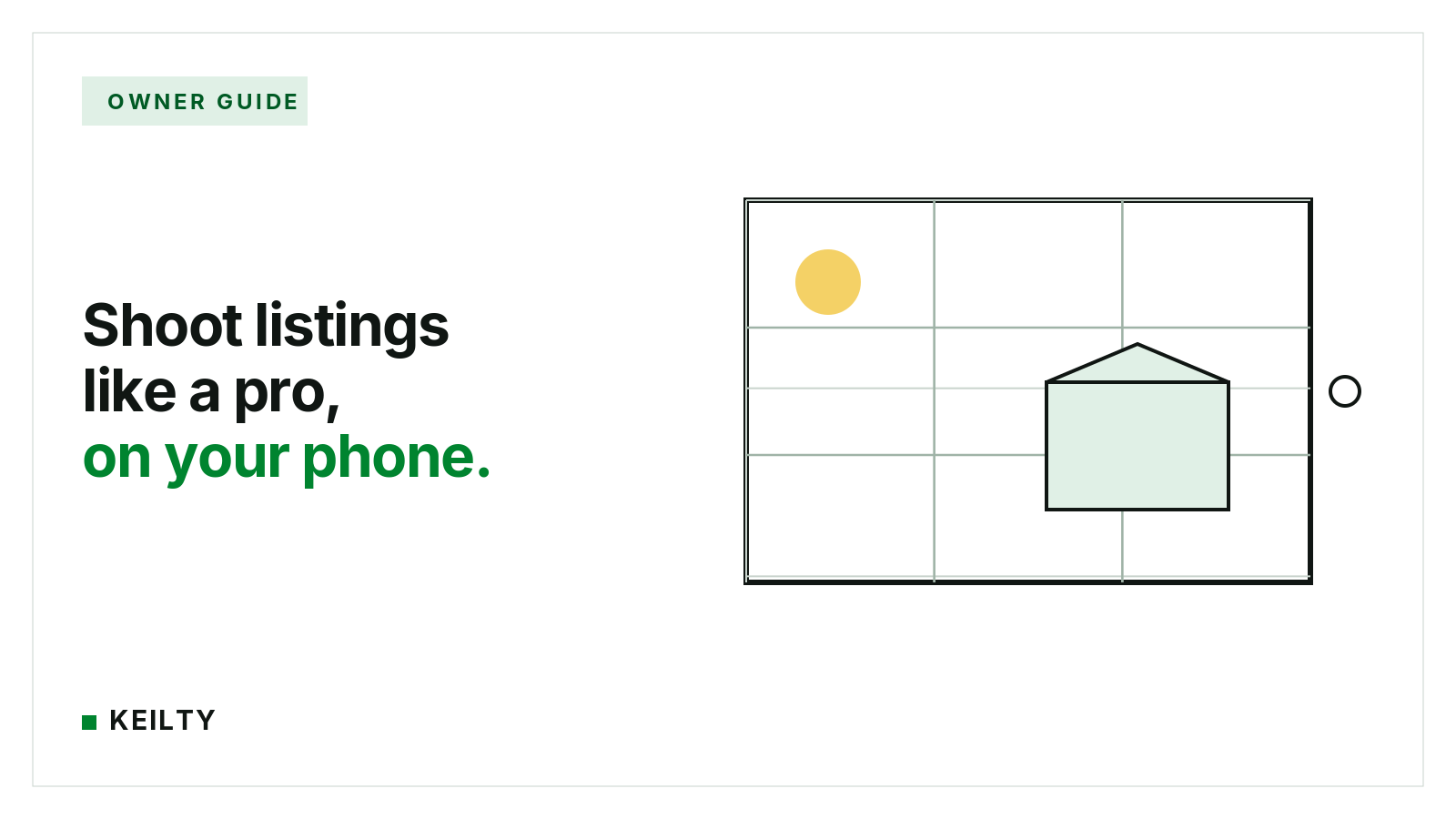
Smartphones come equipped with various camera settings that are often overlooked. One such feature is the grid setting, which aids in aligning shots perfectly.
The grid is invaluable for adhering to the rule of thirds, a composition principle that suggests placing the subject off-center for a more engaging photo.
Natural light can dramatically improve the quality of your photos, making spaces appear brighter and more inviting. Whenever possible, take photos in daylight, and open curtains or blinds to flood the space with light. This approach reduces the need for artificial lighting, which can sometimes distort the appearance of a room.
Flash can create harsh shadows and uneven lighting, detracting from the natural beauty of your listing. Instead, rely on natural light or, if necessary, turn on room lights to brighten the space softly.
Capturing photos in landscape mode allows you to encompass more of the room, providing a comprehensive view of the space. Some smartphones offer a wide-angle option, perfect for photographing smaller areas without compromising on detail.
Don't hesitate to tweak the brightness and contrast settings on your smartphone to capture the true essence of your space. These adjustments can mitigate dark areas and ensure your photos are vibrant and clear.
In the digital age, where visual content reigns supreme, taking advantage of your smartphone's camera capabilities can dramatically impact your rental listing's success. By following these simple yet effective tips, you can produce high-quality images that showcase your property in its best light, attracting more potential renters. Remember, in the rental market, compelling visuals are not just an option; they are a necessity for standing out. Embrace these strategies and transform your listing with stunning photographs that capture the attention and imagination of your audience.
Happy shooting.
Want photos, pricing, and showings handled for you? Get my free rental evaluation.
Before getting into the technical side of smartphone photography, present your property in its best light by making sure the space is tidy, clean and decluttered. A well-prepared property not only photographs better but also attracts more interest from potential renters.
The grid setting helps align shots and follow the rule of thirds, a composition principle that places the subject off-centre for a more engaging photo. On iPhone, go to Settings, then Camera, to enable the grid; on Android, open the camera app, access Settings and turn on the Grid lines option.
Natural light makes spaces appear brighter and more inviting, so take photos in daylight whenever possible and open curtains or blinds to fill the room with light. Flash can create harsh shadows and uneven lighting, so rely on natural light or, if necessary, turn on room lights to brighten the space softly.
Yes. Capturing photos in landscape mode lets you take in more of the room and provides a comprehensive view of the space. Some smartphones also offer a wide-angle option, which is useful for photographing smaller areas without compromising on detail.
Do not hesitate to tweak the brightness and contrast settings on your smartphone to capture the true look of your space. These adjustments can mitigate dark areas and ensure your photos are vibrant and clear.
This post is general information about Ontario residential tenancy and human rights law as of 2025-10-15, not legal advice. Legislation, regulations and tribunal practice change. For advice on a specific applicant, property or situation, speak with a lawyer or licensed paralegal.
Ontario property management with published pricing, same-day answers, and no surprises. Since 2003.
300-80 Queen StreetNot served yet. Join a list and hear from us the day we open.