Something not working in your home? Reporting it early keeps small issues small, and submitting a request the right way helps us resolve it faster. Here is exactly how maintenance works for KEILTY residents.
The short version.
- Call 911 for fire, a gas smell or any life-threatening situation, and call KEILTY at 613-545-3322 for urgent issues like flooding, no heat or no water.
- Submit everything else through the KEILTY Resident Portal under Maintenance, because a written request with photos gets triaged and scheduled faster.
- Describe the problem specifically, attach photos or a short video, and include entry permission, pet information and your availability.
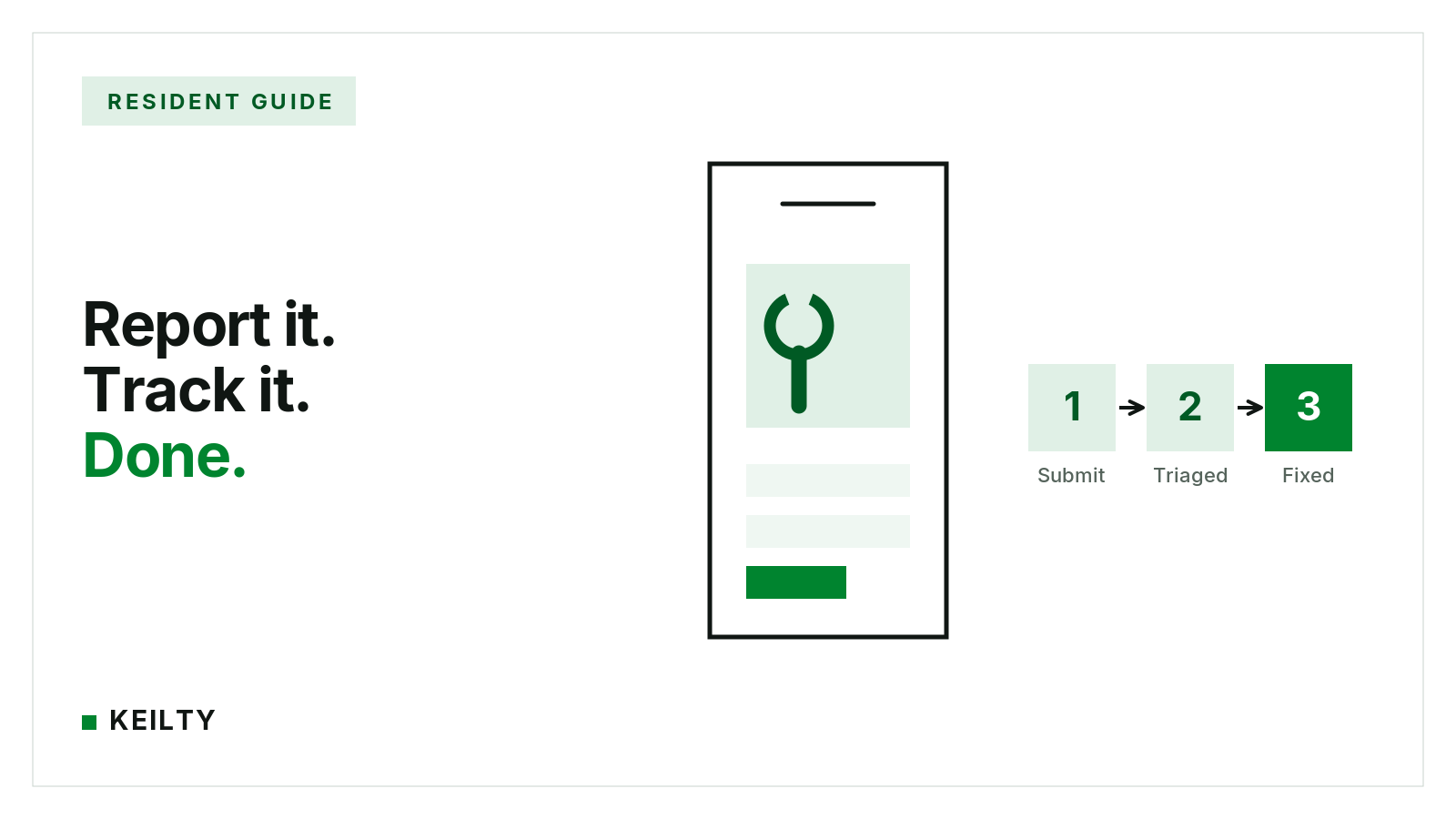
- After you submit, we triage, schedule a technician with proper written notice if needed, and you can track status in the portal.
First: Is It an Emergency?
- Call 911 first for fire, gas smell, or any life-threatening situation.
- Call KEILTY at 613-545-3322 for urgent issues that threaten people or property: active flooding or major leaks, no heat in winter, no water, a sewage backup, or a door or lock failure that leaves your home unsecured.
- Everything else is routine maintenance. Submit it online using the steps below rather than calling, because a written request with photos gets triaged and scheduled faster.
How to Submit a Request Online
- Log in to the KEILTY Resident Portal. If you have not registered yet, use the email address on your lease to create your account.
- Select Maintenance from the menu, then choose to create a new request.
- Describe the issue clearly, including which room it is in and when it started.
- Attach photos or a short video. This is the single most helpful thing you can do, because it often lets us send the right technician with the right parts on the first visit.
- Indicate your entry preference, including whether we may enter with notice if you are not home, and mention any pets in the unit. Then submit.
What to Include for a Faster Fix
- Be specific: "Kitchen faucet drips constantly from the base, started three days ago" beats "sink broken."
- Photos of the problem and its surroundings: A wide shot plus a close-up tells the full story.
- Access notes: Entry permission, pet information, and your availability all help us schedule sooner.
What Happens Next
- Triage: Our team reviews new requests and prioritizes anything affecting health, safety, or the building itself.
- Scheduling: We assign a technician or vendor and coordinate a visit. If entry is needed and you have not pre-authorized it, you will receive proper written notice as required in Ontario.
- Follow-up: You can track status and add comments or photos in the portal at any time. If something does not seem resolved, update the request rather than opening a new one so the history stays together.
Two-Minute Checks Worth Trying First
- Power issue in one area? Check your breaker panel for a tripped breaker and look for a GFCI outlet (the one with the small buttons) that needs resetting, commonly in bathrooms and kitchens.
- No hot water or weak heat? Make sure the thermostat is set correctly and, where applicable, that furnace switches have not been turned off.
Still stuck? Submit the request and we will take it from there. For more on day-to-day life in your home, read The KEILTY Tenant Guide.
Questions residents ask about maintenance requests
How do I know if my maintenance issue is an emergency?
Call 911 first for fire, a gas smell or any life-threatening situation. Call KEILTY at 613-545-3322 for urgent issues that threaten people or property, such as active flooding or major leaks, no heat in winter, no water, a sewage backup, or a door or lock failure that leaves your home unsecured. Everything else is routine maintenance and should be submitted online, because a written request with photos gets triaged and scheduled faster.
How do I submit a maintenance request online?
Log in to the KEILTY Resident Portal, registering with the email address on your lease if you have not already. Select Maintenance from the menu, create a new request, and describe the issue clearly, including which room it is in and when it started. Attach photos or a short video, indicate your entry preference and mention any pets in the unit, then submit.
What should I include in a maintenance request for a faster fix?
Be specific: 'Kitchen faucet drips constantly from the base, started three days ago' beats 'sink broken.' Include photos of the problem and its surroundings, with a wide shot plus a close-up to tell the full story. Add access notes such as entry permission, pet information and your availability so we can schedule sooner.
What happens after I submit a maintenance request?
Our team triages new requests and prioritizes anything affecting health, safety or the building itself. We then assign a technician or vendor and coordinate a visit; if entry is needed and you have not pre-authorized it, you will receive proper written notice as required in Ontario. You can track status and add comments or photos in the portal at any time, and if something does not seem resolved, update the existing request rather than opening a new one.
What quick checks should I try before submitting a maintenance request?
For a power issue in one area, check your breaker panel for a tripped breaker and look for a GFCI outlet with small buttons that may need resetting, commonly in bathrooms and kitchens. For no hot water or weak heat, make sure the thermostat is set correctly and, where applicable, that furnace switches have not been turned off. If you are still stuck, submit the request and we will take it from there.
This post is general information about Ontario residential tenancy and human rights law as of 2026-07-19, not legal advice. Legislation, regulations and tribunal practice change. For advice on a specific applicant, property or situation, speak with a lawyer or licensed paralegal.