
By A.J. Keilty, President, KEILTY Realty Management

As a landlord or homeowner, you want to be able to easily access important information about your property. With the KEILTY Realty Management owner portal, you can do just that! By logging in to the Buildium account we provided, you'll have access to financials, documents, maintenance requests, property inspections, bills, and reports. In this blog post, we'll give you an overview of all the great resources the KEILTY owner portal has to offer.
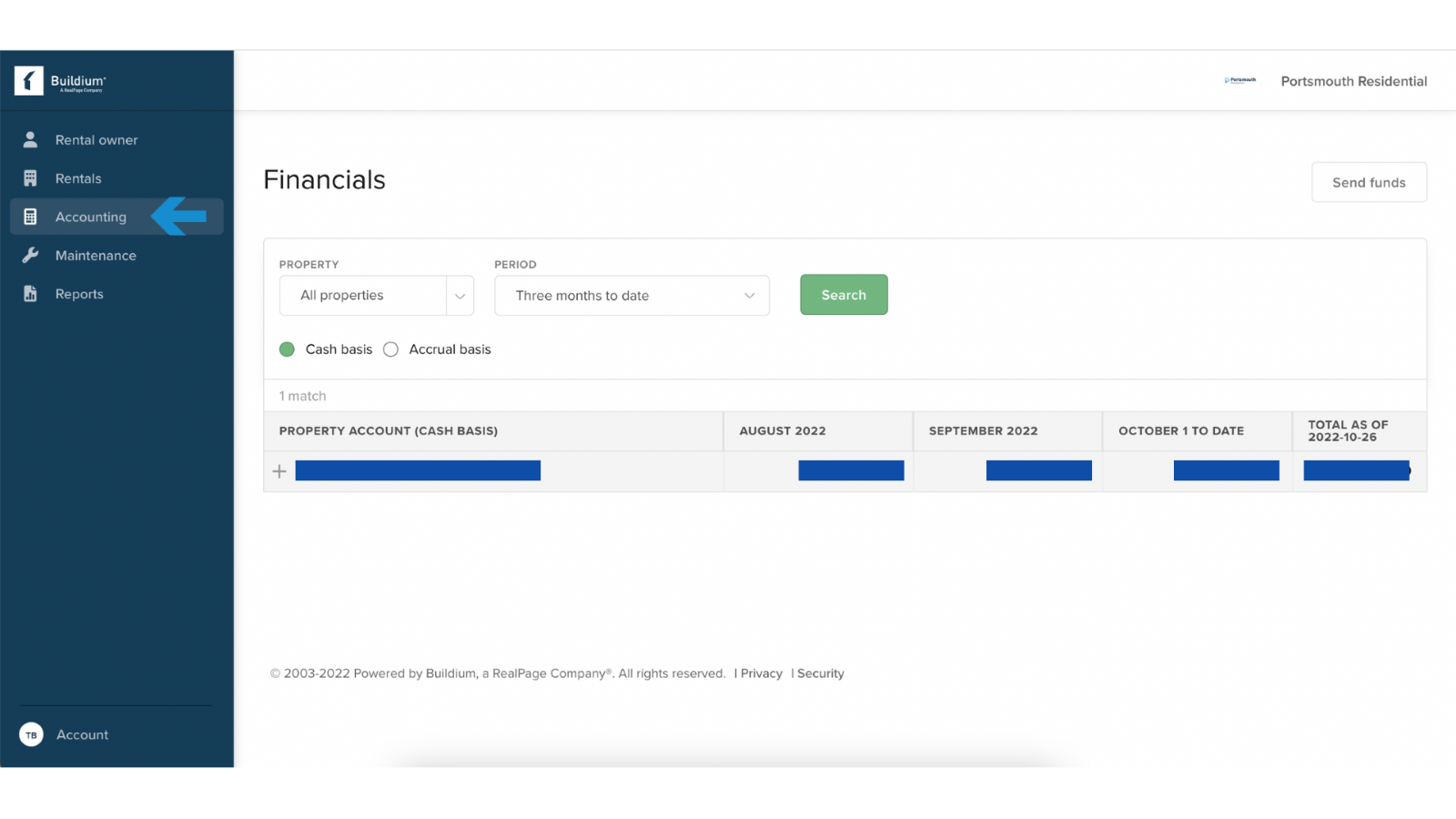
Financials: The financials section of the KEILTY owner portal includes a summary of your income and expenses for the current month as well as year-to-date. You can see a detailed breakdown of your income and expenses by category. This information is updated daily, so you always have the most up-to-date financial information at your fingertips.
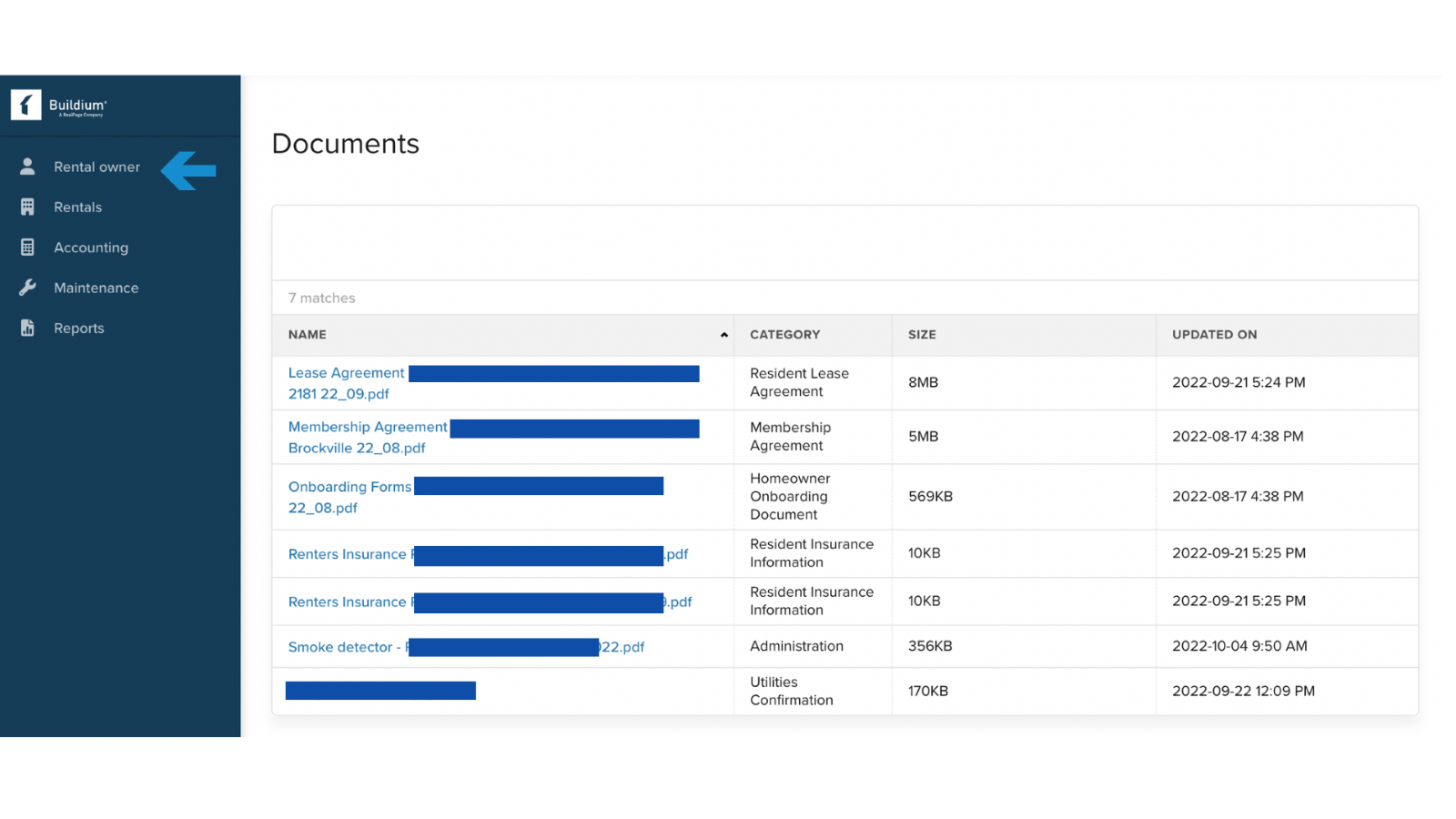
Documents: The documents section is where you can find all the important documents related to your property, such as leases, insurance policies, and tax information. You can also upload your own documents to the portal for easy access by all members of your team.
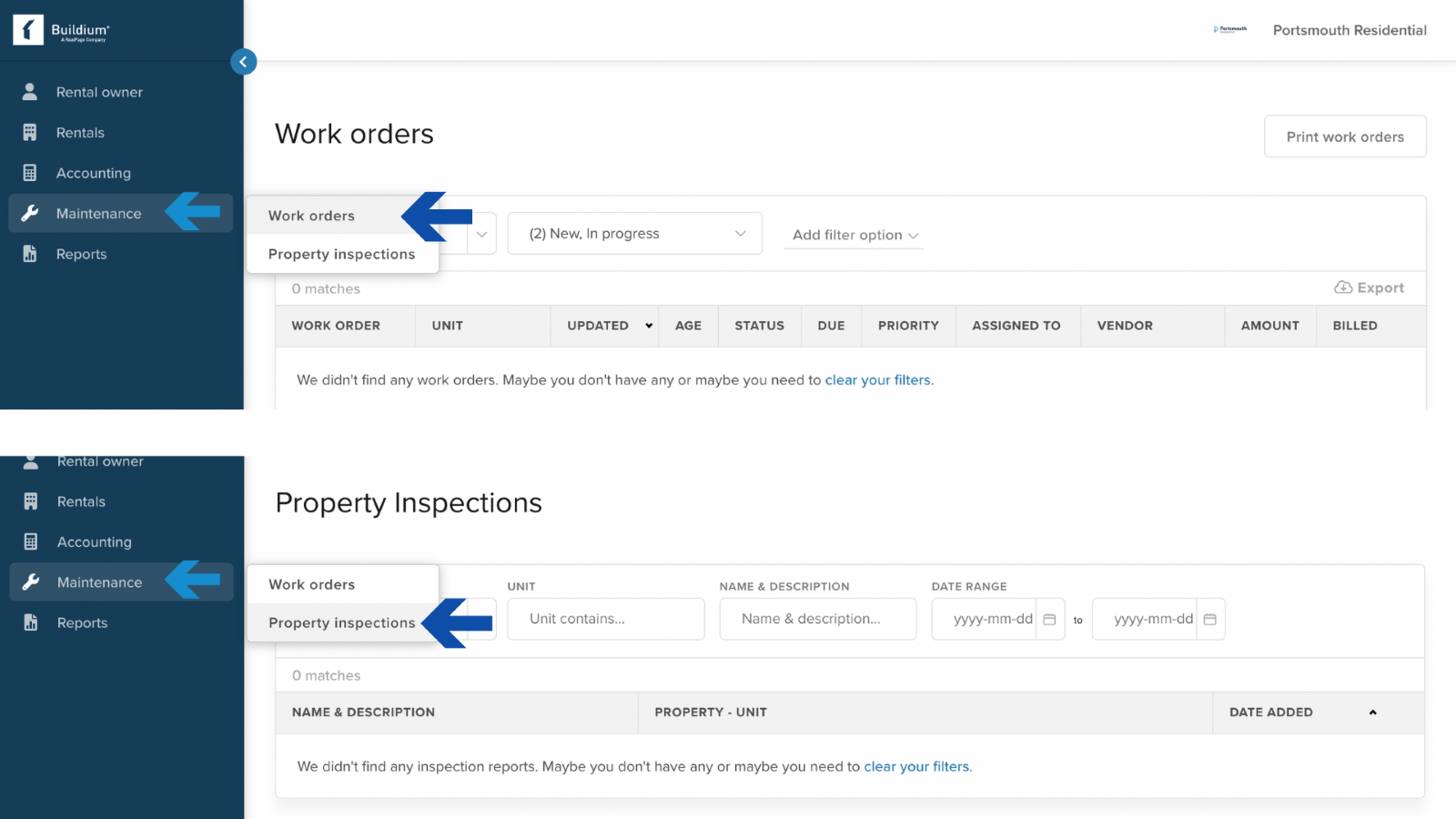
Maintenance Requests: The maintenance requests section is a great resource for keeping track of all the work that needs to be done around your property.
Bills: The bills section is where you can view any outstanding bills related to your property. Simply log in to the portal and select which bill you'd like to pay. You can either pay the bill in full or set up automatic payments so that you never have to worry about missing a payment again.
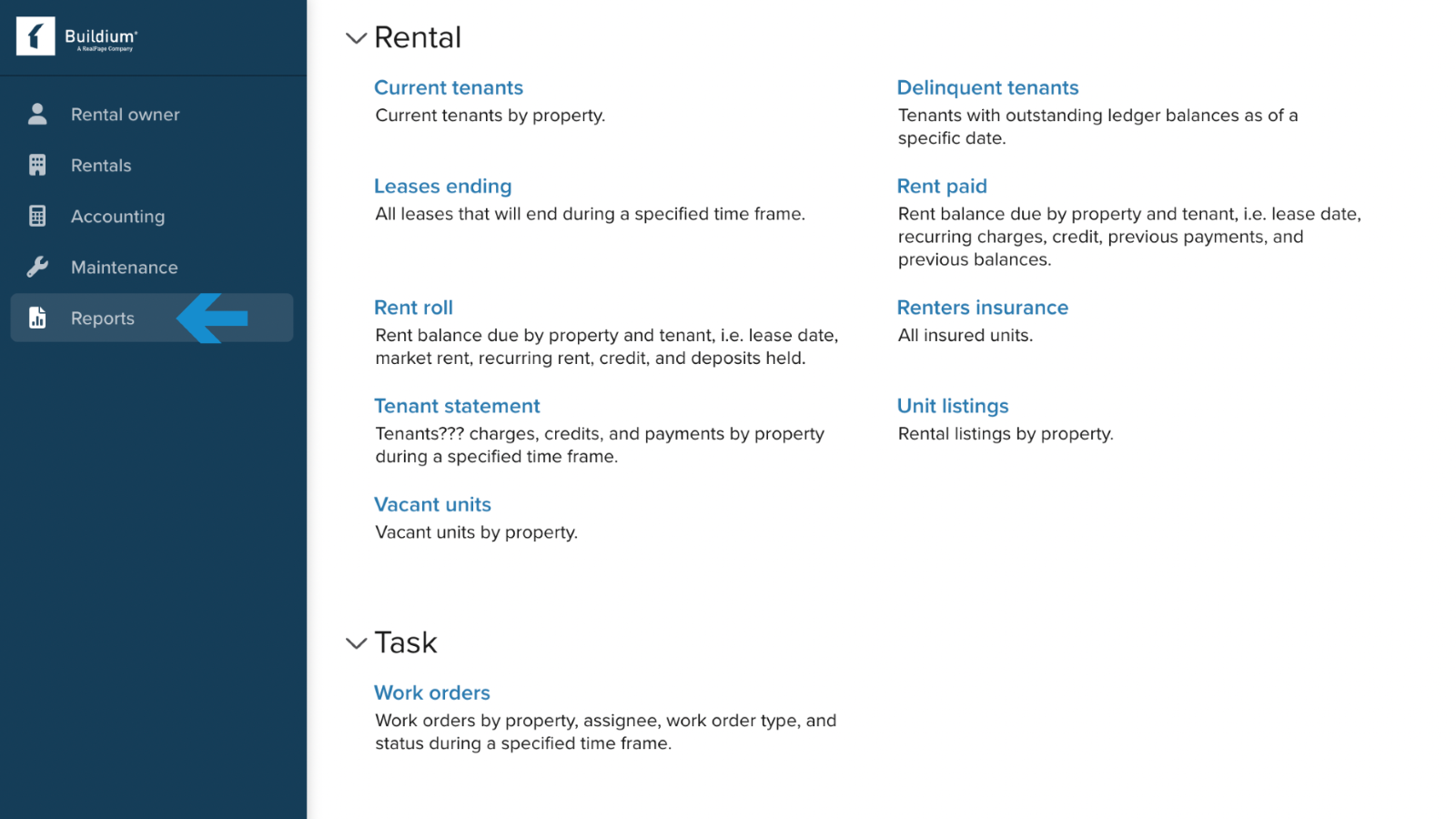
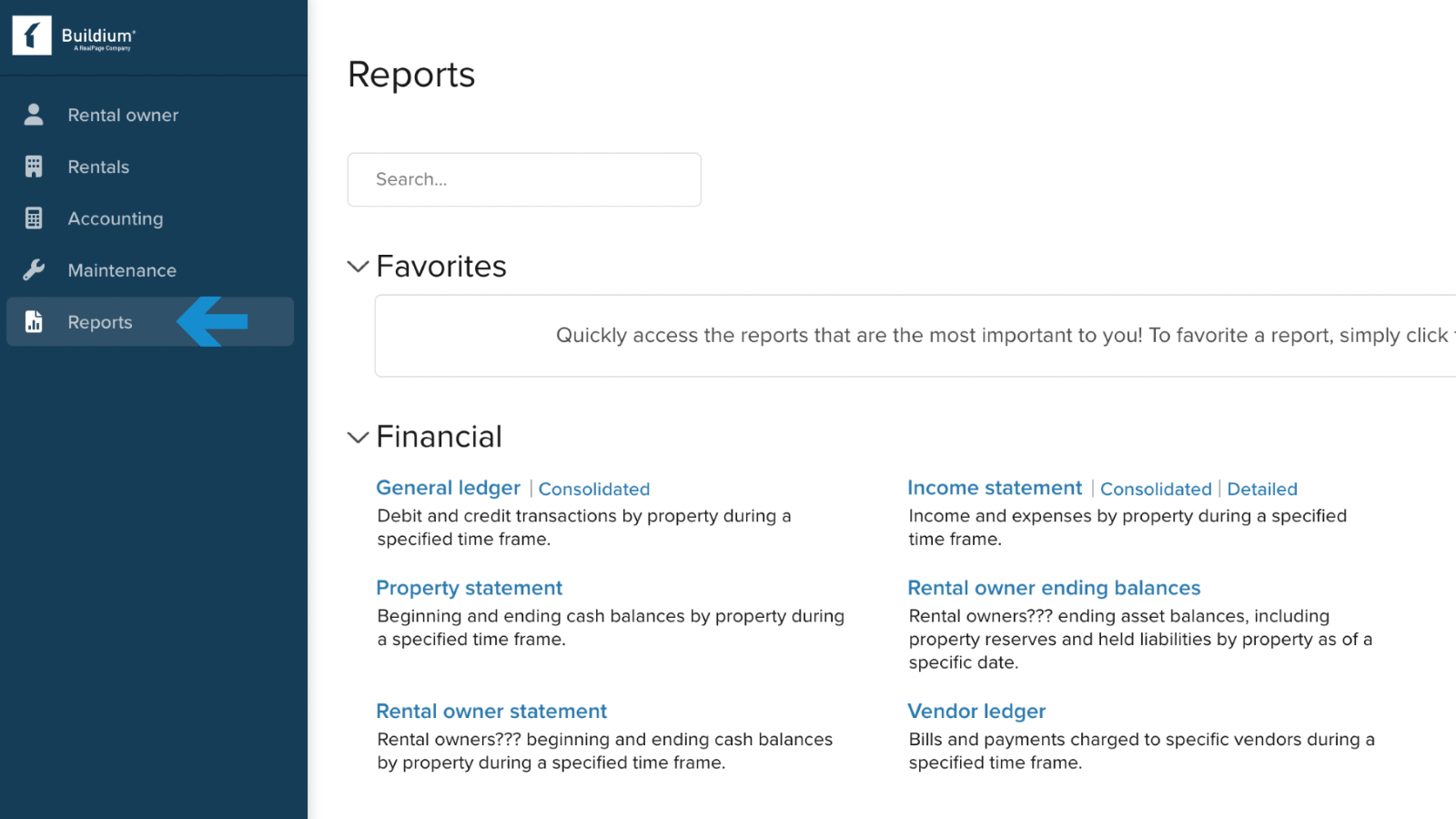
Reports: The reports section contains a variety of standard and custom reports related to your property. These reports can be used to track things like income and expenses, occupancy rates, maintenance costs, and more.
The Owner Portal is packed with great resources that landlords and homeowners will find incredibly useful. From financials and documents to maintenance requests and property inspections, the portal has everything you need to manage your property effectively. So, login today and see for yourself how helpful the KEILTY owner portal can be!
This post is general information about Ontario residential tenancy and human rights law as of 2025-10-01, not legal advice. Legislation, regulations and tribunal practice change. For advice on a specific applicant, property or situation, speak with a lawyer or licensed paralegal.
Ontario property management with published pricing, same-day answers, and no surprises. Since 2003.
300-80 Queen StreetNot served yet. Join a list and hear from us the day we open.